Online help pages for the Nici Picture Downloader for Windows 98,ME,2000,XP and 2003.
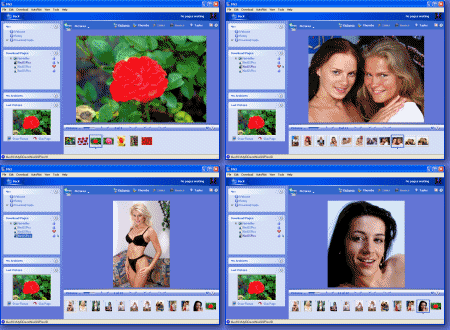
These pages are extracted from Nici's help system and require Internet Explorer v5.0 or later.
Certain interactive commands are not available in the online version.

 HelpOverview of NiciTutorialsFirst UseTypical UsePrivacy and SecurityWiping and ExportingAdding PagesHistory pageDownload Control WindowReport TabCrawl Settings TabNici-Quick vs Crawl StrategiesPicture pagesDirectory pagesThumb Directory pagesAuto-PilotUnknown pagesDownloading PagesDownload PagesDownloading MoviesLast PictureRemoving PagesDownload LineSearch EnginesGetting More PicturesViewing PagesPicturesThumbsLinksSourceTasks and HelpOrganizing PagesMy ArchivesPage RankCategoriesSlideshowsViewing ModesFAQHow ToAll TipsTroubleshootingWhat is NewKeyboard shortcutsGlossary
 My Archives
 pane lists and organizes pages downloaded in the past.
 More
More page and click on either Add to Category or Remove from Category
 Remove Pictures. You can filter which pages and pictures are removed or deleted from your hard drive.
 folders in the
  and click and drag down.
 Show the online My Archives tutorial